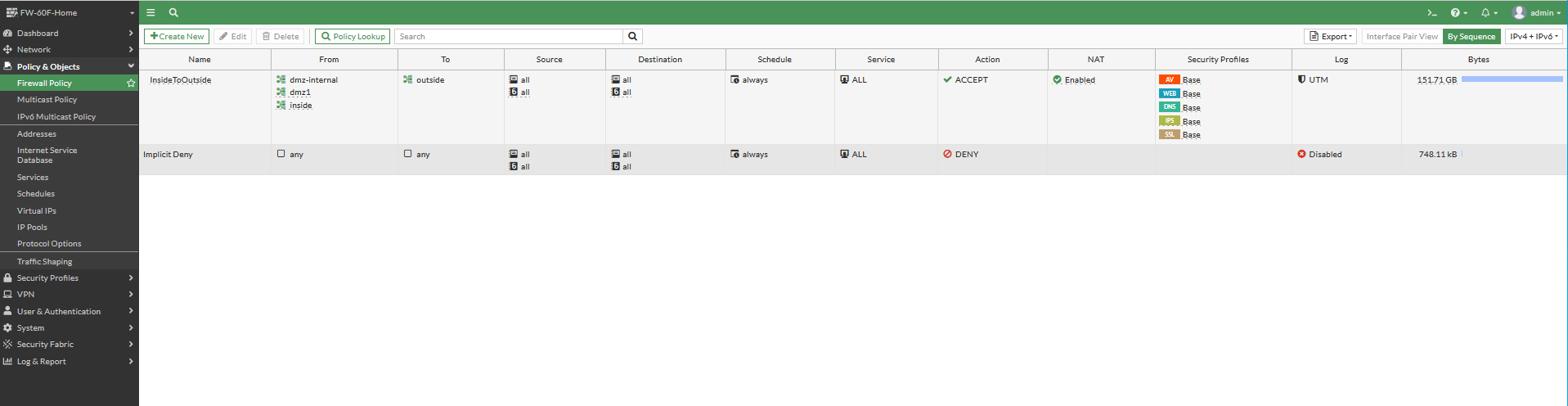
these steps are for resetting the admin password then updating a Fortigate firewall for basic connectivity. first reboot the device. once it has rebooted login with the following.
user: maintainer
pass: bcpb<SN>

config system admin
edit admin
set password
log out by exiting then log back in with the admin account. You can now set the inside interface that will allow you to reach the GUI.
    edit "inside"
        set vdom "root"
        set ip 172.16.10.4 255.255.255.0
        set allowaccess ping https ssh http fgfm fabric
        set alias "inside"
        set stp enable
        set role lan
        set interface "internal"
        set vlanid 172
        config ipv6
            set ip6-address fdd9:e6d4:147d:172::4/64
            set ip6-allowaccess ping https ssh http fgfm
        end
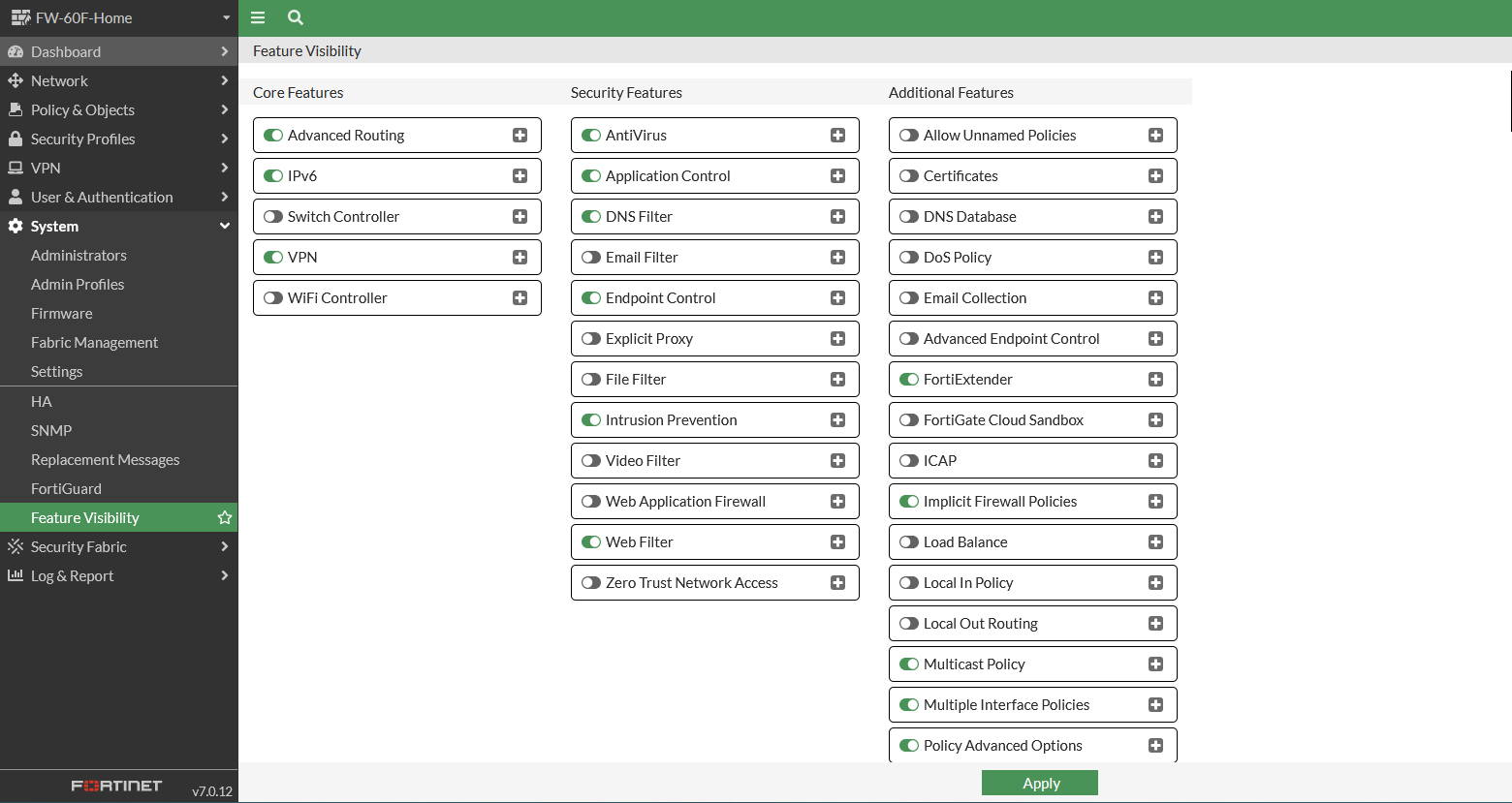
Enable features
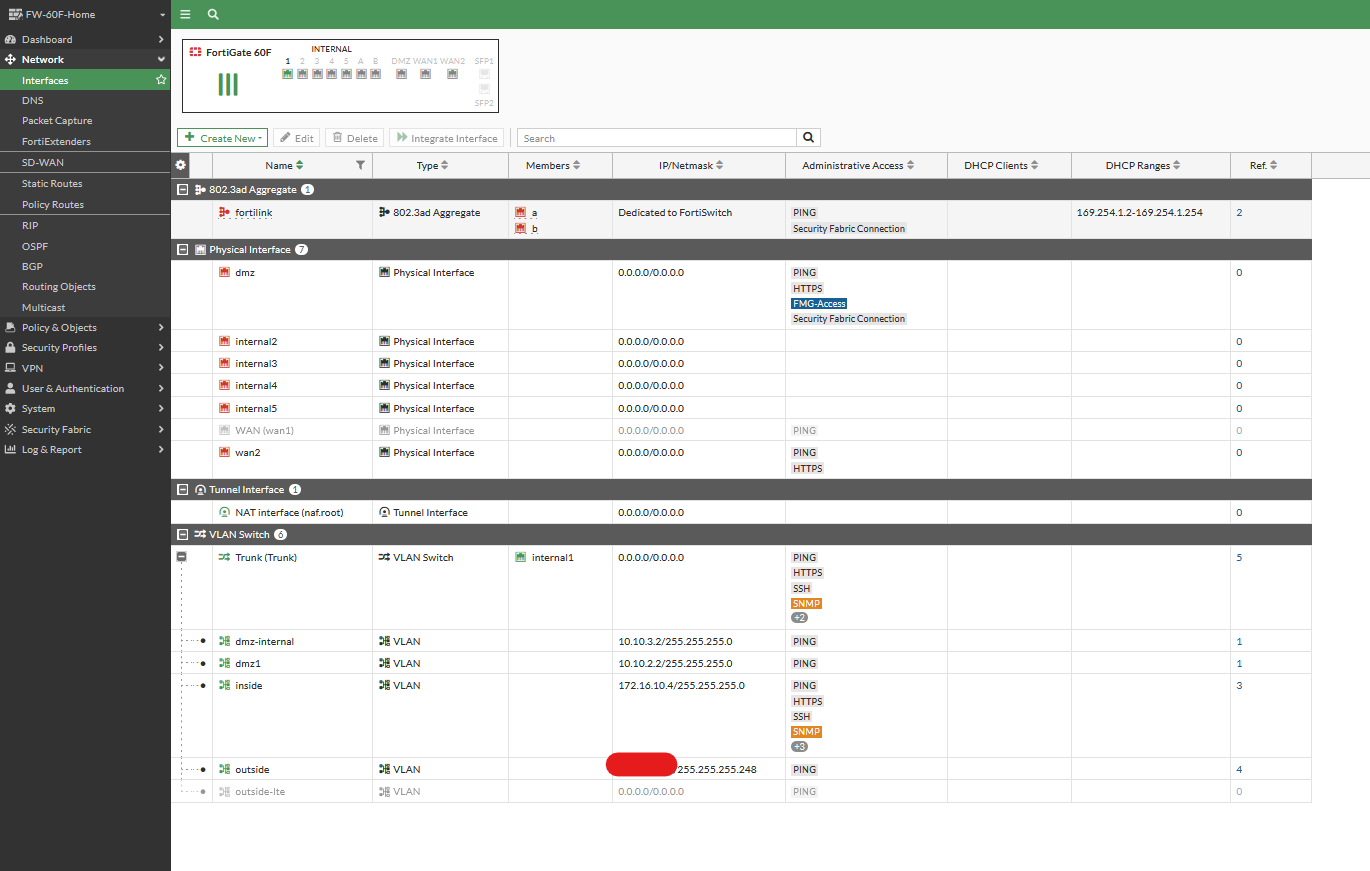
 Define a vlan switch, then vlans
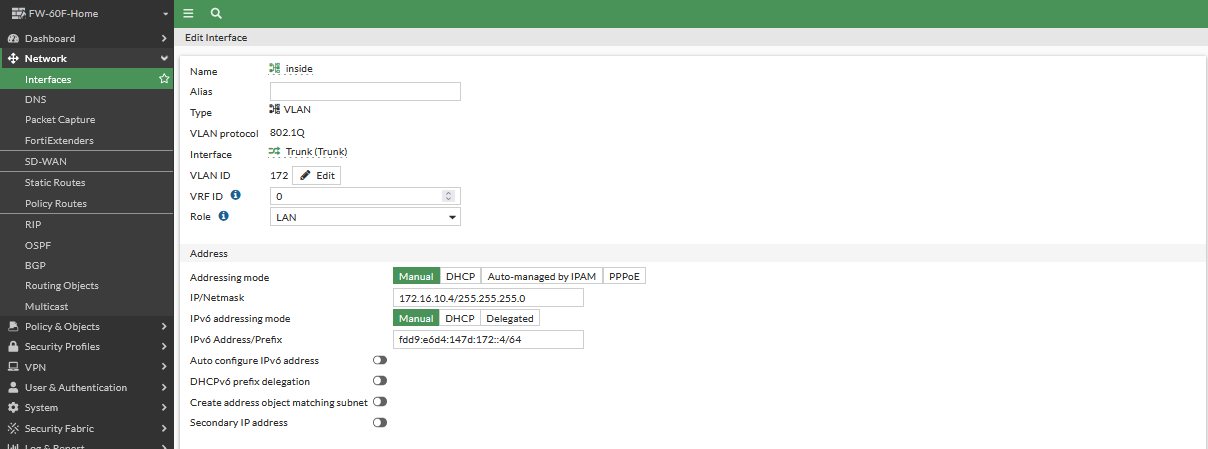
 Ipv6 example
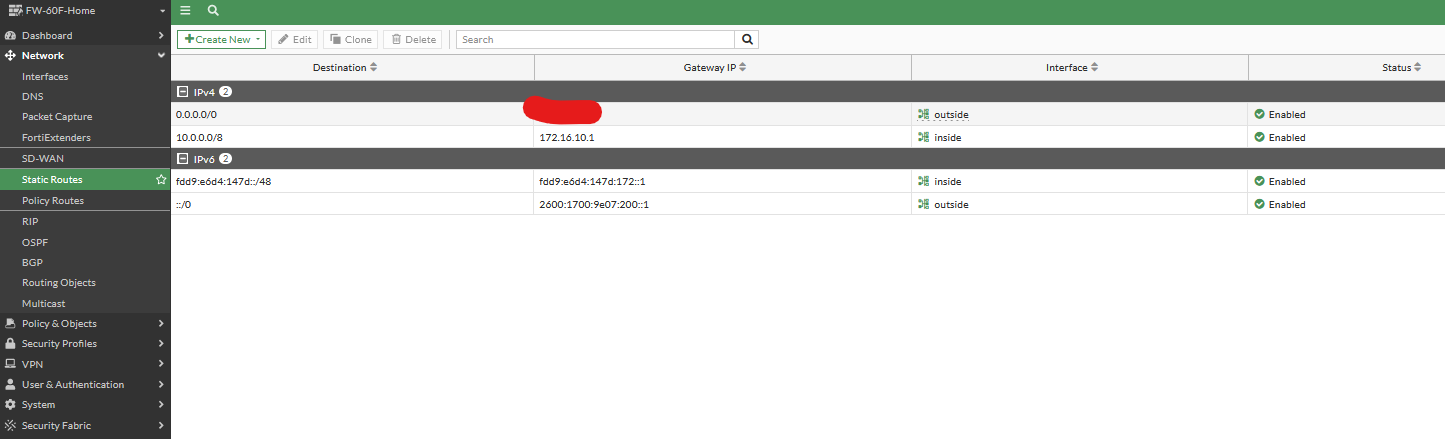
 Define routes
 Define firewall policies for base NAT